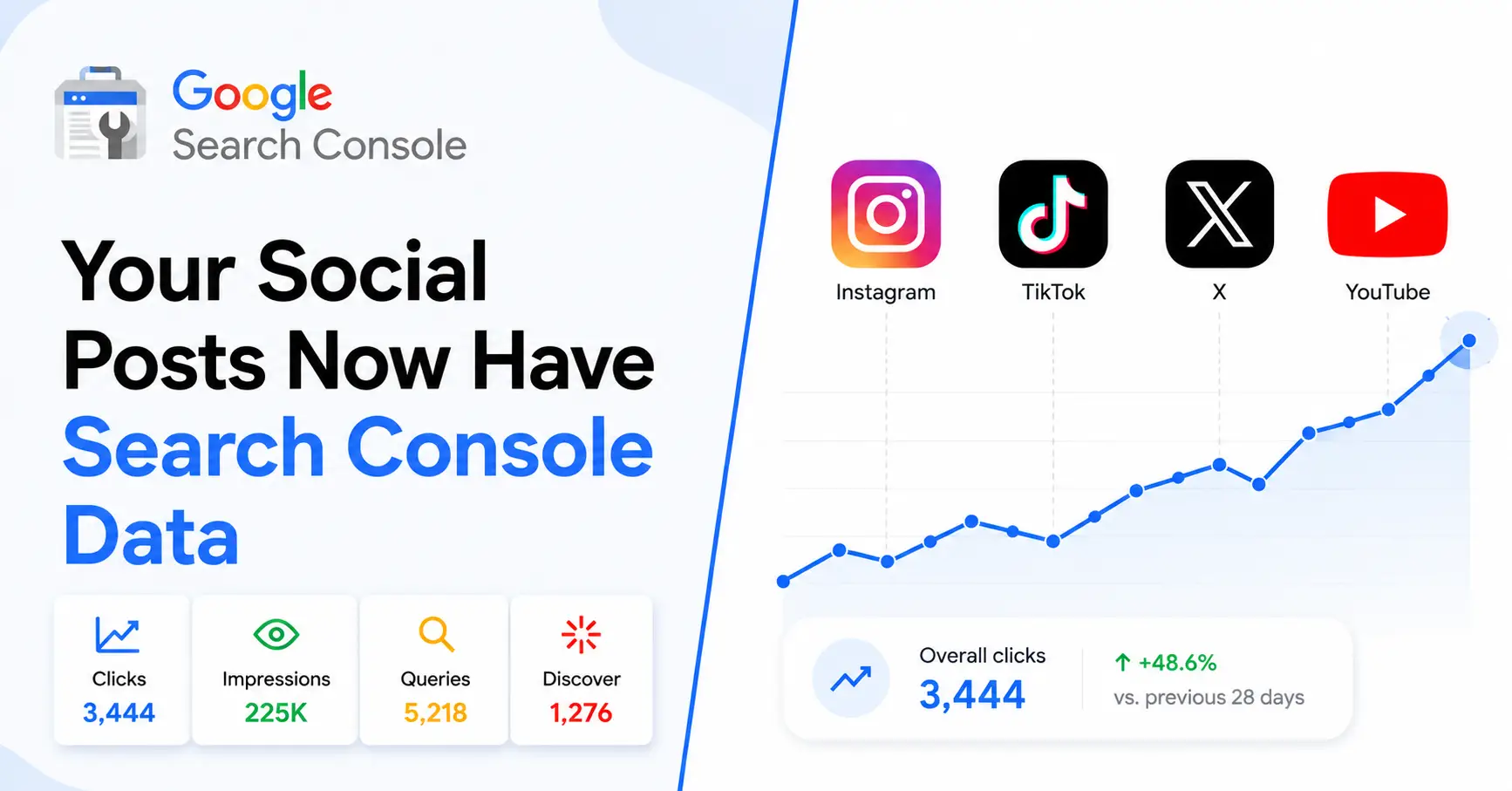
A step-by-step look at Google’s new “platform properties” feature — and how creators and brands can use it to win more organic search traffic.

Google just handed creators and social-first brands a brand-new traffic goldmine and most people haven’t noticed yet. Search Console can now track how your Instagram, TikTok, X, and YouTube posts perform directly in Google Search, Discover, and News, even if you don’t own a website.
This is one of the biggest updates to Search Console in years, and it’s still rolling out which means early movers who understand and act on it now have a real head start. Here’s everything you need to know, explained step by step with real screenshots from a live account setup.
Source: Search Engine Journal, “Google Search Console Adds Social & Video Platform Properties” and the official Google Search Central Blog (July 2026).
What is Google Search Console’s new “platform properties” feature?
Platform properties are a new property type inside Search Console that let you connect a social or video account instead of a website and see how that account’s individual posts perform in Google Search results, Google Discover, and Google News. It’s essentially Search Console for creators who publish on social platforms rather than their own domain.
Which platforms does Search Console support right now?
At launch, Search Console supports four platforms:
- TikTok
- X (formerly Twitter)
- YouTube
Google has said this is a starting list, and the feature is rolling out gradually over the coming weeks, so it may take time to appear in every account.
How is a platform property different from a regular website property?
A normal Search Console property requires you to verify ownership of a website or domain. A platform property skips that entirely, you simply authorize your social or video account, and Search Console pulls performance data straight from Google’s index of that content. This also isn’t the same as a “Search profile,” which is a public-facing showcase page; platform properties are private analytics for the creator only.
| Feature | Website Property | Platform Property |
|---|---|---|
| Requires website ownership | ✅ Yes | ❌ No |
| Domain verification | ✅ Required | ❌ Not required |
| Supports Instagram | ❌ No | ✅ Yes |
| Supports TikTok | ❌ No | ✅ Yes |
| Supports YouTube | ❌ No | ✅ Yes |
| Supports X (formerly Twitter) | ❌ No | ✅ Yes |
| Search Queries | ✅ Yes | ✅ Yes |
| Clicks & Impressions | ✅ Yes | ✅ Yes |
| Google Discover Data | ✅ Yes | ✅ Yes (if eligible) |
| Google News Data | ✅ Yes | ✅ Yes (if eligible) |
Key takeaway: Platform Properties make Google Search Console accessible to creators and brands that don’t own a traditional website.
How do you add your Instagram, TikTok, X, or YouTube account to Search Console?
Setting it up takes less than a minute. Here’s exactly how it looked on a real account (@3percentcollective on Instagram, connected via 3percent.in):
Step 1: Add the property and confirm the connection
From the property selector, choose “Add property,” select the platform, and authorize access. You’ll immediately see a confirmation that the property was added successfully, along with a preview of recent web search clicks.

Confirmation modal after successfully adding an Instagram platform property in Search Console.
Step 2: Verify the property under Settings
Once connected, the account shows up in Settings, along with the date it was added and the users who have access, useful if you’re managing this for a client or team, the way an agency like 3percent.in would for its clients.

Search Console Settings page showing the Instagram property added on July 8, 2026.
What happens after you connect your account?
Google immediately sends a “Get started” email that lays out the exact next steps: check which posts are most popular in Google Search, see the queries driving traffic, and add teammates to the property. It’s a genuinely useful onboarding email, and it renders cleanly on both desktop and mobile.

Google Search Console’s ‘Get started’ email, viewed in Gmail on desktop.
Within 48 hours
Where do you check your performance and Insights data?
Two reports matter most inside the new property: Performance (clicks, impressions, and search queries) and Insights (top content, trending posts, and top countries). Right after setup, expect a short delay — Google explicitly says to check back within 48 hours while it processes historical data.

Insights report processing search data, showing an early ‘Overall clicks’ chart.

Insights report cards for ‘Your content,’ ‘Queries leading to your Instagram content,’ and ‘Top countries,’ before data populates.
What Google Doesn’t Tell You About Platform Properties
Although Platform Properties are a major step forward, they don’t replace your existing analytics tools.
| Not Available | Use Instead |
|---|---|
| Followers | Instagram Insights |
| Reach | Instagram Insights |
| Engagement Rate | Instagram Insights |
| Likes | Instagram Insights |
| Comments | Instagram Insights |
| Shares | Instagram Insights |
| Saves | Instagram Insights |
| Audience Demographics | Meta Business Suite |
Platform Properties focus exclusively on Google Search visibility, not social engagement metrics.
That means they’re best used alongside Instagram Insights, YouTube Studio, or TikTok Analytics rather than replacing them.
Our First-Hand Experience Setting Up Platform Properties
We connected an Instagram account to Google Search Console shortly after Platform Properties became available.
Here’s what we observed:
- Property authorization completed in under a minute.
- Google immediately sent a welcome email outlining the next steps.
- The property appeared in Search Console Settings instantly.
- Insights initially displayed “Processing your data.”
- Google stated that historical search data could take up to 48 hours to populate.
- No manual verification was required.
These observations matched Google’s documentation and demonstrate how straightforward the onboarding process is.
Which Businesses Should Use Platform Properties?
This isn’t only for creators.
It’s valuable for:
- Ecommerce brands
- D2C companies
- Influencers
- Restaurants
- Doctors
- Educational institutions
- SaaS companies
- Local businesses
- Agencies
- Coaches
- Real estate companies
- Travel brands
- News publishers
If your content appears in Google Search, this feature is worth enabling.
Best Practices to Get More Traffic with Platform Properties
Simply connecting your account won’t increase traffic.
Instead, focus on creating content that’s easy for Google to understand.
Best practices include:
- Use descriptive captions with searchable keywords.
- Write natural language instead of keyword stuffing.
- Answer common questions in your captions.
- Add relevant alt text where supported.
- Publish consistently around topical clusters.
- Optimize YouTube titles and descriptions.
- Build authority around a specific niche.
- Link back to your website where appropriate.
- Create evergreen educational content.
- Monitor Search Console queries and publish follow-up content.
What Data Can You Actually See?
| Metric | Available |
|---|---|
| Clicks | ✅ |
| Impressions | ✅ |
| Search Queries | ✅ |
| Top Posts | ✅ |
| Top Countries | ✅ |
| Discover Traffic | ✅ (Eligible Content) |
| News Traffic | ✅ (Eligible Content) |
| Followers | ❌ |
| Likes | ❌ |
| Saves | ❌ |
| Comments | ❌ |
| Shares | ❌ |
Why does this update matter for creators and brands?
Until now, Search Console data was locked behind website ownership. If your entire presence lived on Instagram, TikTok, X, or YouTube, you had almost no visibility into how Google actually surfaced your content. This update changes that completely you can now see the exact queries sending you clicks from Search, Discover, and News, and double down on the content and topics that are already working.
This is trending right now, and the accounts that start collecting this data early will have a real edge in understanding what Google rewards before the wider market catches on.
Turn Search Data Into Organic Growth
Setting up a Platform Property is only the first step. The real value comes from understanding which queries bring visitors to your content and using those insights to shape future posts.
At 3percent.in – we help creators, brands and businesses:
- Connect Platform Properties correctly
- Analyze search queries and impressions
- Identify high-performing content
- Build search-first content strategies
- Improve visibility in Google Search and Discover
If you want to turn social content into a measurable organic acquisition channel, our team can help you build a strategy based on real search data — not guesswork.
Key Takeaways
- Platform Properties let creators track Instagram, TikTok, YouTube, and X performance directly in Google Search Console.
- No website ownership or domain verification is required.
- Search Console reports clicks, impressions, search queries, Discover, and News performance where eligible.
- Social engagement metrics like followers, likes, comments, and shares remain available only through the native platform analytics.
- Early adoption gives creators and brands a valuable opportunity to understand how their social content performs in Google Search.
Frequently Asked Questions (FAQs)
1. Is Google Search Console Platform Properties free?
Yes. Google Search Console Platform Properties are completely free to use, just like traditional Search Console properties. There are no subscription fees or hidden costs.
Once your eligible Instagram, TikTok, YouTube, or X account is connected, you can access search performance data such as clicks, impressions, search queries, and, where applicable, Discover and Google News performance without paying for the service.
2. Can I connect multiple Instagram accounts to Google Search Console?
Yes, provided you have permission to manage each account.
Agencies, businesses, and creators who manage multiple Instagram accounts can add each eligible account as a separate Platform Property. This allows you to monitor search performance individually rather than combining data across accounts.
3. Can digital marketing agencies manage Platform Properties for clients?
Yes. Agencies can manage Platform Properties if the client grants them the appropriate Search Console permissions.
This makes it easier to monitor search visibility, analyze queries, and build content strategies without needing ownership of the client’s website.
4. Does Platform Properties work with Personal Instagram accounts?
It depends on Google’s eligibility requirements and rollout status.
If your Personal Instagram account is supported and eligible, you may be able to connect it. Since the feature is still rolling out, availability can vary between accounts and regions.
5. Does it work with Instagram Business and Creator accounts?
Yes. Instagram Business and Creator accounts are expected to be supported as long as they meet Google’s eligibility requirements.
These account types are commonly used by brands, influencers, and businesses that want to measure how their Instagram content performs in Google Search.
6. How long does it take before search performance data appears?
Google states that it can take up to 48 hours before search performance reports begin showing data.
Immediately after connecting your account, you’ll typically see a processing message while Google prepares historical search performance information.
7. Can I export Platform Property data?
Yes. Once data becomes available, you can export Search Console reports in the same way you export traditional Search Console performance reports.
This makes it easy to analyze search trends, build custom dashboards, or share reports with clients and team members.
8. Does Platform Properties replace Google Analytics?
No. Platform Properties and Google Analytics serve different purposes.
Google Analytics measures user behavior after someone visits your website, while Platform Properties show how your social content performs in Google Search before users click.
9. Does Platform Properties replace Instagram Insights?
No. Platform Properties complement Instagram Insights rather than replacing them.
Instagram Insights focuses on followers, reach, engagement, saves, and profile activity, while Google Search Console measures impressions, clicks, and search queries from Google Search, Discover, and News where eligible.
10. Why don’t I see Platform Properties in my Search Console account?
The feature is still being rolled out globally, so it may not yet be available for every user.
If you don’t see the option, ensure you’re using the correct Google account, check that your platform is supported, and watch for updates as Google expands availability.
11. Can I connect Facebook Pages to Google Search Console?
Not at the moment.
Currently, Google supports Platform Properties for Instagram, TikTok, X (formerly Twitter), and YouTube. Facebook Pages are not included in the initial rollout.
12. Does Google Search Console support Threads?
Currently, no.
Threads is not listed among the supported Platform Properties. However, Google may expand support to additional social platforms in future updates.
13. Can I remove a Platform Property later?
Yes. You can remove a connected Platform Property from your Search Console account at any time.
Removing the property only disconnects it from your Search Console account and does not affect your social media account or its content.
14. Does Platform Properties show Google Discover and Google News traffic?
Yes, when your content is eligible to appear in Google Discover or Google News.
Search Console can report Discover and News performance alongside standard Google Search metrics, giving creators a broader view of how their content is being discovered across Google’s ecosystem.
15. Is historical search data available after connecting a Platform Property?
Google may populate historical performance data after the initial setup, but it is not always immediate.
During setup, Google indicates that reports may take up to 48 hours to process before historical clicks, impressions, and search queries become available. The amount of historical data shown depends on what Google has already indexed for your content.
16. Which social platforms are currently supported by Google Search Console Platform Properties?
At launch, Google Search Console Platform Properties support Instagram, TikTok, X (formerly Twitter), and YouTube.
Google has described this as the initial rollout, so additional social platforms may be supported in future updates as the feature evolves.